IdeaOps started with a question nobody had a clean answer to: why does building software still require three different people working in three different tools that never talk to each other?
Designers in Figma. Developers in VS Code. Product managers in Notion. The handoff between each is where time dies, turning a meeting note into a Jira ticket, a static frame into Swift code, a decision into documentation. None of it is the actual work. It's the tax on the work.
A large share of what product teams call "working" is really translating things between tools. Once you start counting the conversions, it's hard to unsee.
The Silo Problem: Every role has its own surface, its own language, its own mental model. Collaboration means context-switching, not shared context.
The Translation Penalty: A designer's annotation becomes a PM's ticket becomes a developer's task. Each conversion loses something and introduces something that wasn't there.
Dashboard Fatigue: Traditional SaaS assumes you'll go to it. Nobody wants another destination. They want something that fits around how they already think.
The first design question was about roles, not features
Before touching any UI, I mapped what different people in a product team need moment to moment. Not their job descriptions, their actual decisions. What does a designer need at 9am on a sprint day? What does a developer need at 3pm when a requirement changes? What does a PM need immediately after a stakeholder call?
Three distinct modes emerged: Design Ops, Dev Ops, Product Ops. Not different apps, different lenses on the same system. The same input, the same surface, but the AI interprets and routes based on who's asking. The role distinctions were built into the framework from the start rather than added as a settings preference.
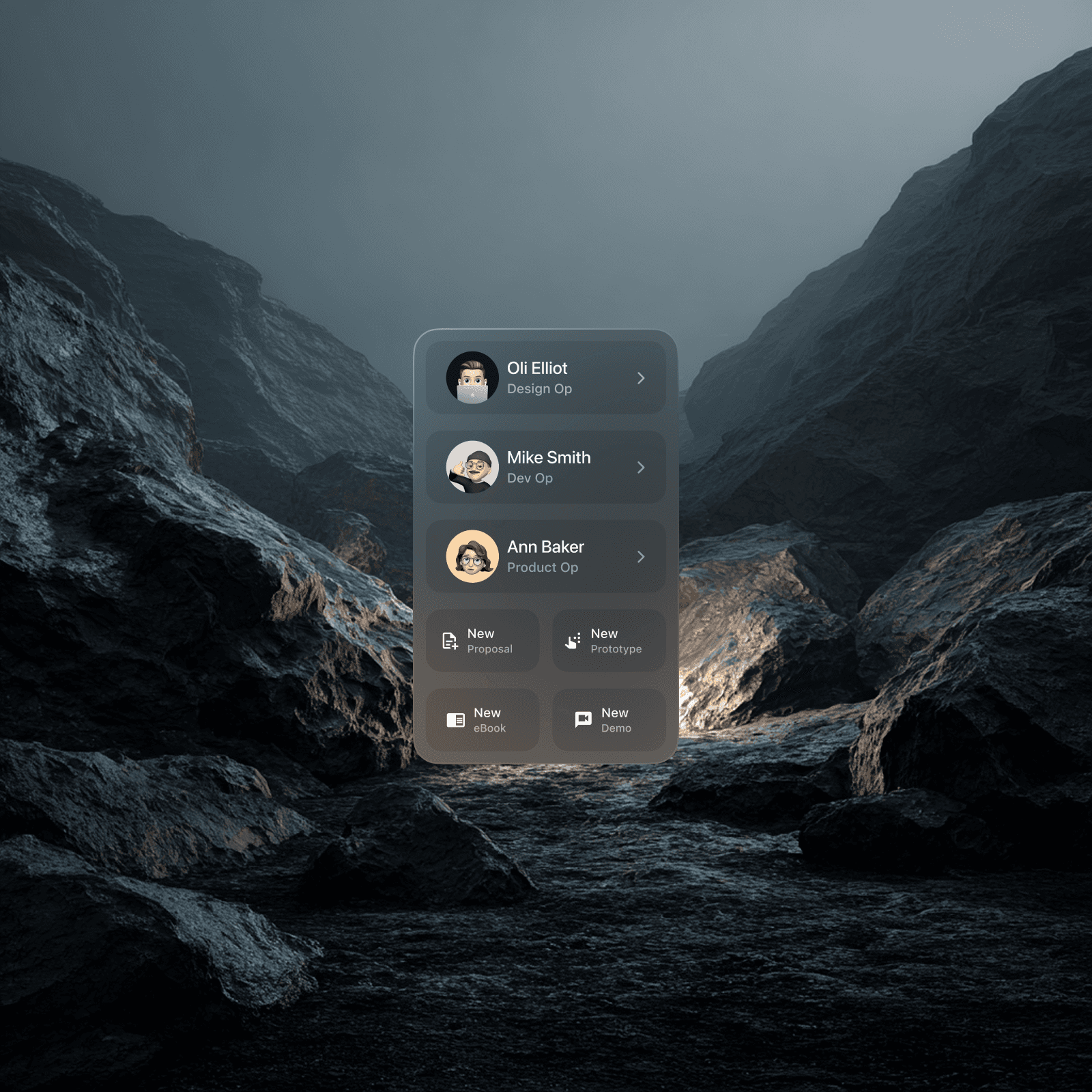
That role-switching mechanic, a floating selector panel with avatar, name, and role, was the first thing I designed. It's the entry point into the system. Get that wrong and the whole concept collapses.
The visual language had to feel like an OS, not an app
Early explorations looked like every other SaaS dashboard: sidebar nav, tables, cards in a grid. It was organised but it was wrong. An OS doesn't live on a page, it lives on top of everything else.
I moved to a floating, glassmorphic architecture. Dark backgrounds with heavy blur layers. Cards that sit in perceived 3D space, grounded by multi-layered shadows and subtle inner borders. The role selector became the template for every panel in the system, compact, legible, floating.
Colour was used functionally, not decoratively. Cyan for Dev Op states. Blue for Product Op. The palette only activates when something is active, otherwise the interface stays near-black and neutral, so the user's actual work stays visually dominant.
Typography was kept strictly utilitarian, Inter throughout, because the backgrounds are complex and variable. Anything decorative would fight for attention against the blur layers.
The first real prototype looked like what I was trying to replace
I built a working dashboard, sidebar navigation, tables, structured views. It was clean. It was also familiar in exactly the wrong way. The premise of the product is that you shouldn't have to go somewhere to do things, you should be able to trigger them from wherever you already are. A dashboard contradicts that on sight.
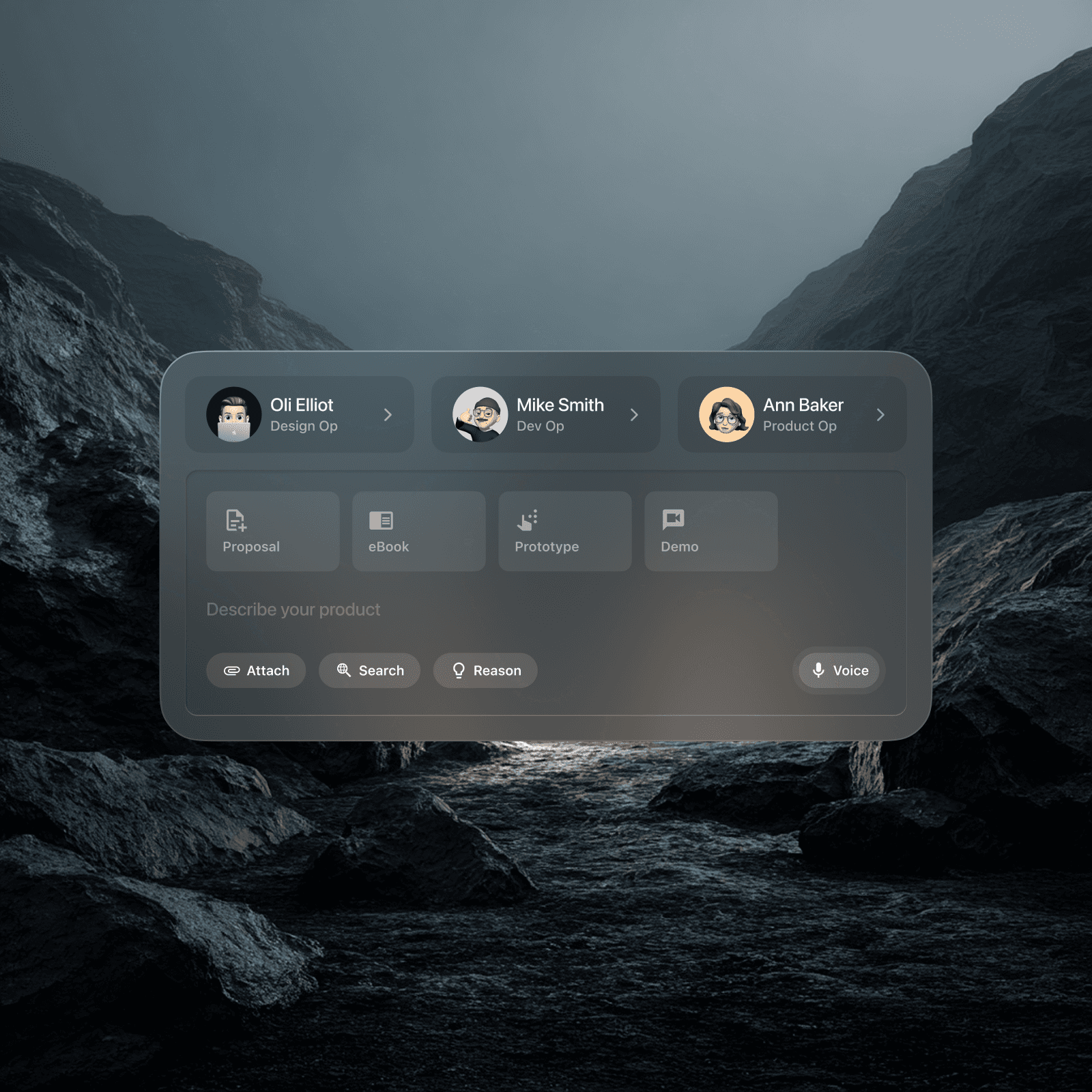
That led to the hardest call on the project: scrapping the dashboard entirely. No sidebar. No destination pages. Just a Command-K style input bar, the Omni-Bar, combining text, voice dictation, and file attachment into one component. Triggers and Actions replaced navigation menus.
The clearest example in practice: the ambient meeting recording flow. The AI listens to a stakeholder conversation in real time, categorises the audio into compliance requirements, risk flags, and linked resources, and surfaces them as structured blocks, without the user touching a menu once. The interface earns its keep by disappearing.
The split-view coding environment was the hardest screen to get right
The Dev Op mode needed to show code and a live preview simultaneously. As SwiftUI logic is typed, the system generates an interactive mobile preview in real time. Natural language can refine it, type "add a search filter" and the correct code block is injected. That sounds straightforward until you're trying to split a 13-inch screen between a code editor, a live preview, and a floating command interface without any of them feeling cramped.
I went through multiple layout configurations before landing on a true split, editor left, preview right, Omni-Bar floating above both. The key was making the Omni-Bar feel like it belongs to neither panel. It's above the work, not part of it.
What it clarified: simpler UI means harder backend
Stripping the interface down to a single input bar felt like simplification. It isn't. It pushes enormous complexity into the AI layer. Without menus or structured navigation to constrain intent, the system has to interpret what the user means with extreme accuracy. A small ambiguity that a UI would have caught becomes an AI inference problem.
I think that tradeoff is worth making, but it's the part I'd most want in front of real users before defending it. Every prompt in the system rests on an assumption about how people phrase intent, and none of those assumptions have been tested yet.
The next frontier is AR, taking the OS off the desktop entirely and into native spatial computing. The glassmorphic cards that float on a dark background are already halfway there.