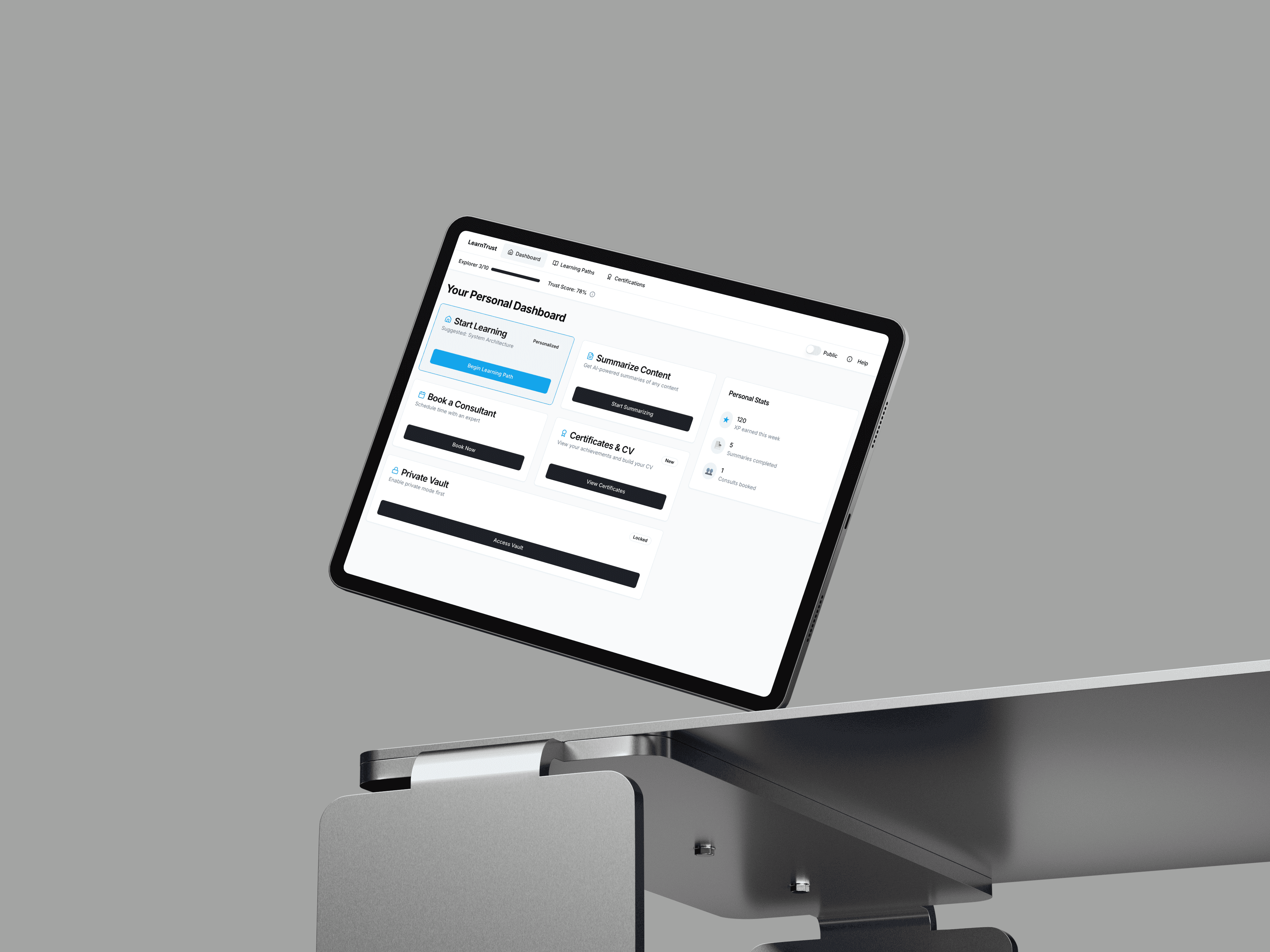
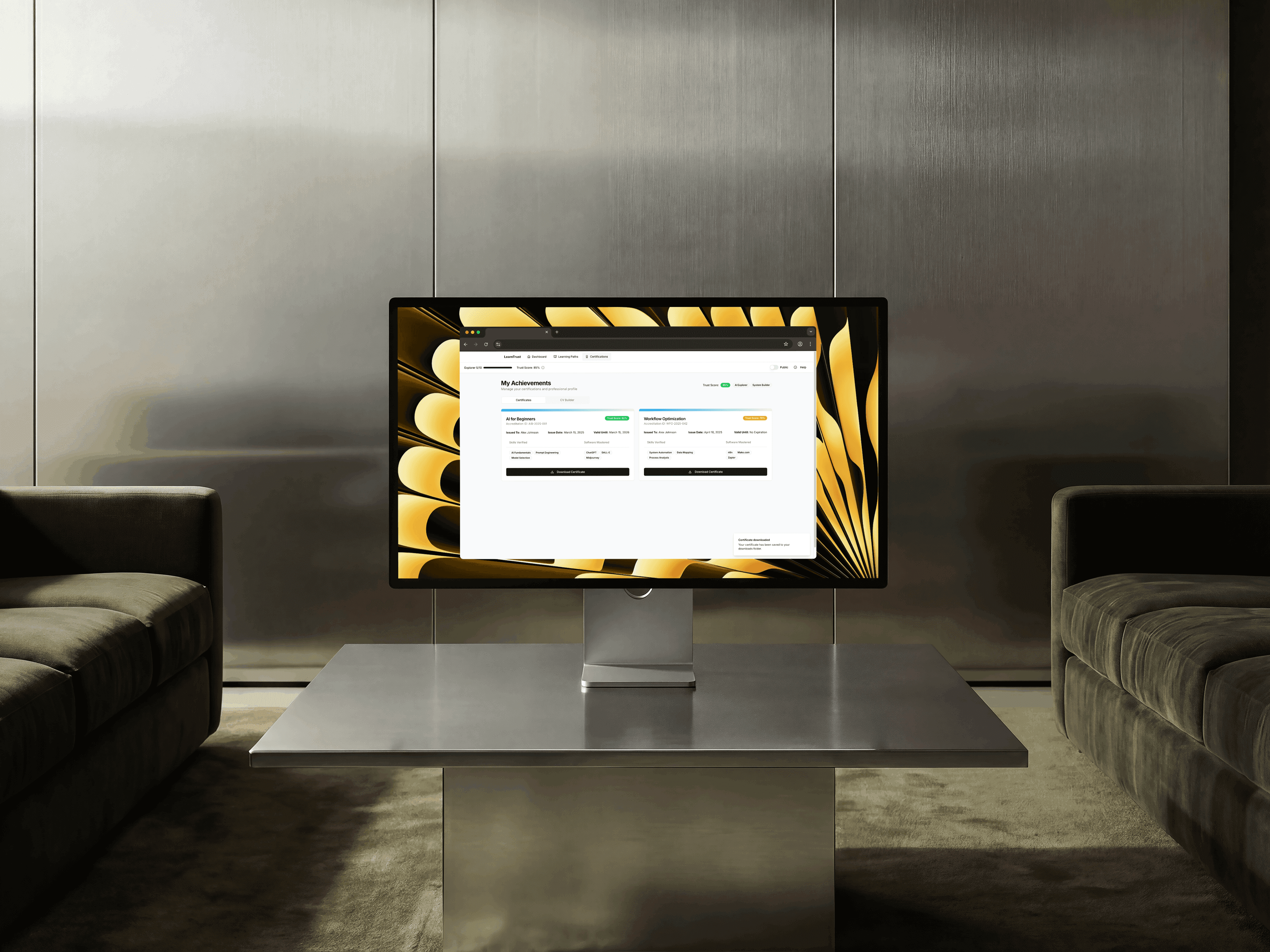
LearnTrust is a comprehensive digital learning ecosystem designed to bridge the gap between AI education and verifiable professional credentialing. By integrating structured learning paths, a dynamic 'Trust Score' algorithm, AI-powered study tools, and an automated CV builder, the platform empowers professionals to master complex technical concepts and instantly translate their progress into verified, employable assets.
Year
02.25
Scope
Branding, Motion
Timeline
9 weeks
Live project
The Challenge & Insights Gathering
The rapid rise of artificial intelligence has created a massive skills gap, yet the market is flooded with passive video courses that offer generic completion badges. Discovery Workshops & Stakeholder Interviews We conducted insights-gathering sessions with both technical hiring managers and self-taught professionals. A critical dual-insight emerged: Employers do not trust standard course certificates because they lack proof of applied competency, while learners feel a disconnect between completing a course and actually updating their CV. The goal became engineering a verifiable learning ecosystem where active educational progress inherently builds a trusted, public-facing professional portfolio.
Defining the Ecosystem: Personas & Roles
To structure the complex relationship between learning, verification, and career advancement, we defined three core user archetypes.
Iteration & Strategic Pivoting
During the initial wireframing phase, the platform mirrored traditional e-learning sites—heavy on video players and endless lists of resources. Early conceptual testing with our "Upskiller" persona revealed low motivation and high cognitive fatigue.
Mapping the User Flows
With the gamified architecture established, we mapped specific user journeys to ensure data flowed seamlessly from education to professional networking.
Interface Solutions & Accessibility
Learning complex topics like system architecture requires an interface that strictly mitigates visual distraction. Designing for Cognitive Focus The learning environment was engineered for deep reading. We stripped away heavy sidebars in the active module view, utilising ample white space, high-contrast typography for legibility, and a muted, clinical colour palette to reduce eye strain over long study sessions. Progress tracking is handled via subtle, persistent top-bar indicators (e.g., Explorer 3/10, 0/5 Complete) rather than intrusive pop-ups, allowing the user to remain immersed in the material.