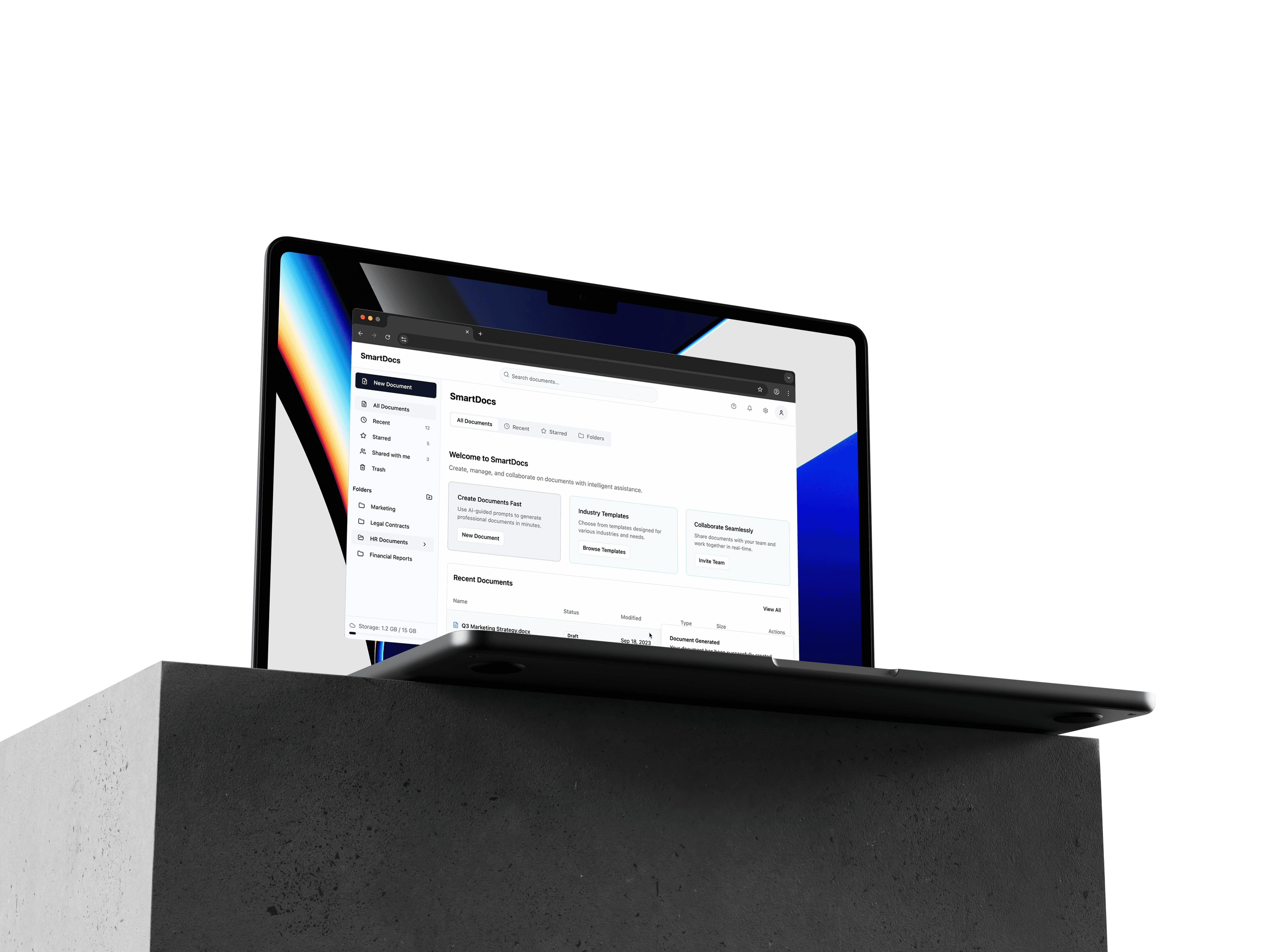
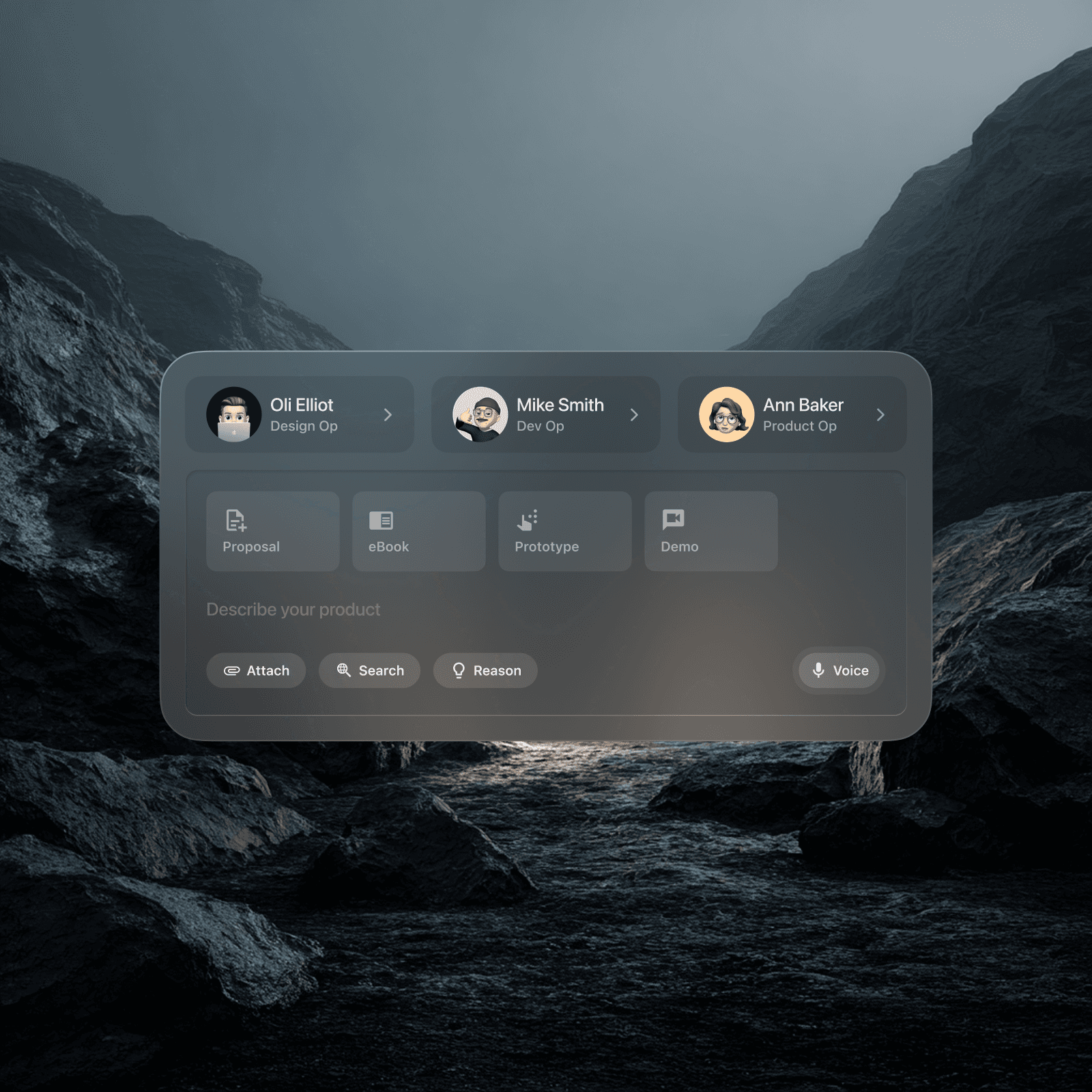
SmartDocs is an intelligent document creation and management platform designed for modern business teams. By combining a comprehensive library of industry-standard templates with a guided, AI-driven generation wizard, the platform eliminates the "blank page" problem, allowing professionals to generate, organise, and collaborate on complex business documents in a fraction of the time.
Year
06.25
Scope
Document Generation, Agent Integration
Timeline
3 weeks

The Audit: What V1 Was Missing
The starting point was a functional React/TypeScript SaaS app with a file explorer, recent documents table, template library, and a guided form wizard. It called itself SmartDocs but had no intelligence inside it. Before writing a single component, a feature audit mapped the gap between what the product implied and what it actually did. The app handled storage and retrieval but had no awareness of what its documents meant, how they related to each other, or what the user was likely to need next. That gap became the brief. The question shifted from fixing UI problems to asking what this product would do if it actually behaved like the name suggested.

Ideation: Six AI Bets Worth Making
The ideation pass focused on agentic workflows, where the system acts rather than just responds. Six capabilities came out of it. Ambient document generation: the app reads calendar, email, and CRM signals and surfaces suggestions before the user asks. Institutional memory: AI tracks patterns across documents, flags conflicts, and detects data drift. Contract negotiation: clause-by-clause redlining with AI-scored risk levels and bulk acceptance for low-risk items. Risk monitoring: a persistent panel watching for expiries and conflicts across the whole document set. Voice-first creation: speak naturally, extract structured fields, generate a document. Document health indicators: inline freshness status on every row. The constraint was making all six work without turning the UI into a control room.

Julian Vance
Senior ML Engineer
Diagnoses complex agent failures and optimises reasoning loops.
Trace Observability
Prompt Engineering
Latency Optimisation

Elena Rodriguez
Compliance Specialist
Audits autonomous outputs for accuracy and redlines hallucinations.
Redlining Logic
HITL Verification
Domain Alignment

Marta Chen
Head of AI Strategy
Benchmarks models in the Arena to ensure operational reliability.
Model Benchmarking
KPI Monitoring
Token Unit Economics

Architecture Before Components
Before building any of the six features, one structural decision kept everything from becoming a tangle: a centralised data layer at src/utils/aiData.ts. All TypeScript interfaces and mock AI data live there. Components consume it and do not define it. AI components got their own directory so the original dashboard components stayed readable. Navigation shifted from a simple file-explorer metaphor to a 7-tab system, kept in sync between the top bar and the sidebar. This was a deliberate information architecture call. AI capabilities needed their own address in the product, not a modal grafted onto an existing screen.

Implementation: The Decisions That Mattered
Two features required careful state design. The Voice Wizard runs a five-phase sequence: idle, listening, processing, extracted, complete. It uses an animated microphone and a live transcript feed segment by segment. Collapsing that into a linear form would have lost the sense that something real was happening. The AI Monitor was built as a collapsible 288px sidebar that persists across all tabs, so users can track emerging risks without leaving their current context. The Negotiation view uses a list-to-detail pattern with split-screen clause comparison rather than a modal, because comparing contract language requires sustained reading, not a quick yes or no. Each pattern was a deliberate choice over the simpler alternative.

The Document Health System
Document health indicators were the smallest feature and the most pervasive. Every row in the document table carries an inline status: fresh, stale, or critical. Rows are colour-tinted to match and each status has a tooltip explaining the reason. Non-fresh rows surface a Sync button directly in context. The principle was that health information should be ambient and not buried in a separate audit screen. A user scanning recent documents should see risk signals without switching modes. Because all AI data ran through a single utility layer, adding health status to the table required no changes to how documents were stored or fetched, only how they were rendered.

Outcome
The result is a full-featured AI document platform built in a single working session on top of an existing codebase, deployed to Vercel and embedded live in this case study. Every feature is interactive. Ambient Suggestions generates confidence-scored proposals from mock calendar and CRM signals. The Document Graph renders expandable nodes with field-level connections and stale indicators. The Negotiation Agent tracks clause history in a timeline. The Risk Monitor fires alerts with days-remaining badges. None of it required backend changes. The architecture was designed so that swapping mock data for real API calls is a data-layer concern and not a component concern.